

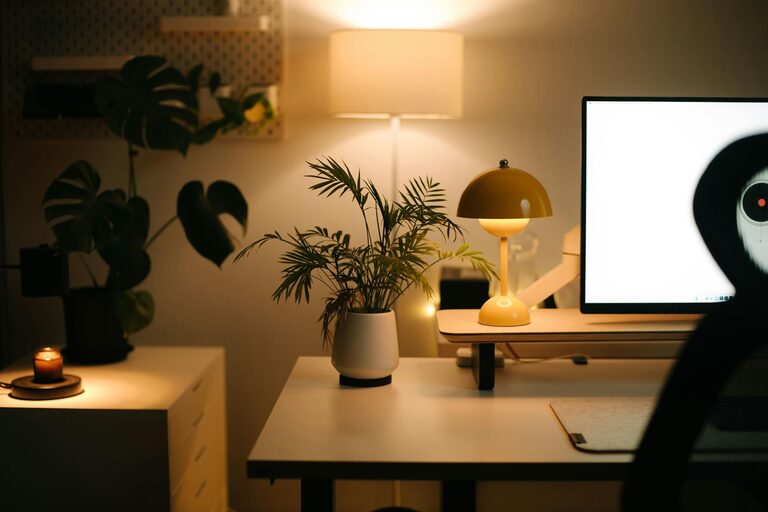
Creating a personalized home workspace that fosters both productivity and comfort is essential, especially as many people work remotely or spend significant time at home. A well-designed workspace can improve focus, reduce stress, and make your workday more enjoyable. In this post, we’ll explore simple but effective tips to customize your home office to suit your unique needs.
Why Personalizing Your Workspace Matters
Every individual has different preferences and work habits. A workspace that reflects your style and supports your tasks can boost motivation, minimize distractions, and encourage better posture and wellbeing. Personalizing your environment also helps establish boundaries between work and personal life, which is important when working from home.
Choose the Right Location
Consider Natural Light
Whenever possible, set up your workspace near a window. Natural light has been shown to improve mood and energy levels. Position your desk to take advantage of daylight without causing glare on your screen. If natural light is limited, invest in quality artificial lighting that mimics daylight.
Minimize Distractions
Select a spot in your home that is quiet and free from frequent interruptions. If space is tight, consider noise-cancelling headphones to block background noise. A dedicated workspace helps your brain switch into “work mode.”
Invest in Comfortable, Ergonomic Furniture
Your comfort directly affects your productivity and health. Ergonomic furniture supports good posture and reduces fatigue.
– Ergonomic Chair: Choose a chair that supports your lower back, allows good posture, and has adjustable height.
– Desk: Ensure your desk is at a height where your arms can rest comfortably with elbows at about 90 degrees.
– Monitor Position: Place your monitor at eye level, about an arm’s length away, to prevent neck strain.
If space or budget is limited, adjustable laptop stands and external keyboards can help maintain ergonomics.
Organize with Purpose
Clutter slows you down and distracts you. Organize your workspace to keep essentials within reach and reduce visual chaos.
– Storage Solutions: Use shelves, drawers, or desk organizers to keep documents and tools tidy.
– Cable Management: Use cable clips, sleeves, or boxes to prevent tangled cords.
– Minimalism: Keep only what you regularly use on your desk. Store or discard the rest.
Regularly declutter your workspace to maintain a clean and inviting area.
Personalize with Meaningful Touches
Adding personal elements transforms your workspace into a place where you feel comfortable and inspired.
– Decor: Choose artwork, plants, or photos that bring you joy or motivation.
– Colors: Incorporate colors that energize or calm you. Blues and greens are often associated with focus and tranquility.
– Scent: Use a diffuser or candles with subtle scents like lavender or citrus to create a pleasant environment.
Avoid excessive personalization that could distract from work.
Optimize Technology and Tools
Smooth workflow depends on reliable technology and useful tools.
– Internet Connection: Ensure your internet is fast and stable to avoid frustrating interruptions.
– Accessories: Consider a quality keyboard and mouse, noise-cancelling headphones, or an external webcam for virtual meetings.
– Apps and Software: Use productivity apps for task management, time tracking, and communication.
Keep your devices updated and maintain digital organization by organizing files and folders.
Establish Boundaries and Routine
Your workspace should help you set clear distinctions between work and leisure.
– Designate Work Hours: Stick to a schedule to maintain balance.
– Visual Cues: When you leave your workspace, mentally “clock out” to help transition.
– Break Space: If possible, create a separate area for breaks away from your desk.
Having these boundaries supports mental clarity and prevents burnout.
Maintain Good Air Quality and Temperature
Comfort includes environmental factors like fresh air and comfortable temperature.
– Ventilation: Open windows or use an air purifier to keep air fresh.
– Plants: Indoor plants can improve air quality and add a refreshing natural element.
– Temperature: Adjust heating or cooling to suit your preference; consider a fan or heater if needed.
These factors contribute to your overall comfort and focus.
Final Thoughts
Personalizing your home workspace is an ongoing process that evolves with your needs. Start by addressing location, comfort, and organization, then incorporate personal touches and technology enhancements. Remember that creating a functional yet inviting workspace can lead to better productivity, improved comfort, and a more positive work-from-home experience. Take the time to design a space that works for you and watch your workdays become more efficient and enjoyable.